
If you’re comparing options right now, here’s the short version: Tidio is the easiest starting point for a small ecommerce store or a lean team with under 100 tickets a month. Freshdesk gives you the best balance of helpdesk depth, automation, and cost once volume climbs past that. Gorgias is built specifically for stores that live inside Shopify data. Intercom Fin makes sense when you want the strongest AI resolution and can absorb usage-based pricing. Which one is actually right for you comes down to three things: how many tickets you handle a month, which channels you support, and whether you’d rather have predictable pricing or maximum automation.
Which AI Support Tool Fits Which Kind of Small Business
There’s no single “best” tool here — the honest answer depends on what kind of business you’re running and how many conversations you’re actually handling.
Ecommerce store: Gorgias if you’re on Shopify and want order data inside every conversation. Tidio if you’re smaller and just need a chatbot that handles shipping and returns questions without a steep learning curve.
Service business (agencies, local services, consultancies): Freshdesk or Help Scout. Both are built around a shared inbox and knowledge base rather than a chat-widget-first experience, which fits how service businesses actually get contacted — email and forms more than live chat.
SaaS startup: Intercom Fin or Zendesk AI. Both are designed for product-support conversations that need to pull context from documentation and account data, not just FAQ answers.
Agency managing support for others, or a business with mixed ticket types: HubSpot Service Hub or Zoho Desk. Both plug into a broader CRM, which matters when support tickets need to connect back to a client record.
Volume matters as much as business type:
- Under 100 tickets/month: Almost any tool’s free or entry tier will cover you. Don’t overpay for automation you won’t use yet.
- 100–400 tickets/month: This is where pricing model choice starts to matter — usage-based tools can get expensive here if your AI resolution rate is low.
- 400–600 tickets/month: You want a tool with either a flat rate or a resolution rate high enough to make per-ticket pricing worth it.
- 600+ tickets/month: Consider whether you actually need a full ticketing system (Zendesk, Freshdesk) rather than just a chat AI layered on top of email.
If you only take one thing from this section: pick the tool whose pricing stays predictable at your current volume, and confirm it can hand off a confused or angry customer to a human without the conversation getting lost.
Small-Business AI Support Tools Compared by Fit, Price, and Free Access
Before the full rankings, here’s the side-by-side. “Starting price” below is the entry paid plan with AI features active — not a bare-bones tier that excludes the AI functionality most people are shopping for. Pricing on AI customer support tools moves fast and several vendors tie cost to seats, resolutions, or conversation volume rather than a flat number, so treat these as directional and check the vendor’s current pricing page before you commit.
| Tool | Best for | Ideal monthly volume | Starting price | AI pricing model | Usable free plan | Key AI capability | Main limitation |
| Tidio | Small ecommerce, first-time AI support | Under 150 | ~$32–40/mo | Flat tier + conversation cap | Yes — real but capped | Lyro AI resolves common questions using your help center | Advanced automation gated behind higher tiers |
| Freshdesk | General SMB, growing support volume | 100–600 | Free tier; paid AI plans ~$15–50/agent | Per-agent seat + AI add-on | Yes — unlimited agents on free tier | Freddy AI drafts replies and auto-routes tickets | Full AI feature set requires a paid tier |
| Intercom Fin | SaaS, digital products | Any, if resolution rate is high | No seat fee | Per-outcome (~$0.99/resolution) | No | Resolves tickets using your docs with human handoff | Costs scale directly with ticket volume |
| Gorgias | Shopify/ecommerce stores | 50–2,000+ | ~$10–50/mo entry tiers | Tiered by ticket volume + overage | Trial only | Pulls order and customer data into every reply | Overage charges above plan limits |
| Zendesk AI | Support-heavy SMBs needing structure | 400+ | ~$55–115/agent/mo | Per-agent + AI add-on | No | Mature ticketing, reporting, AI agents | Setup complexity and add-on costs stack fast |
| HubSpot Service Hub | CRM-centered businesses | 100–500 | Free tier; paid from ~$20/seat | Per-seat, AI features tier-gated | Yes — decent for basics | Support tied directly to CRM contact history | Real AI depth requires Professional tier+ |
| Zoho Desk | Budget-conscious agencies, service teams | 100–400 | ~$14–40/agent/mo | Per-agent seat | Limited | Zia AI for sentiment and auto-replies | Steeper learning curve than simpler tools |
| Help Scout | Small service teams wanting a human feel | Under 300 | ~$22–65/user/mo | Per-user seat | No, 15-day trial only | Shared inbox with AI-assisted drafting | Lighter automation than chatbot-first tools |
| Ada | Repetitive, well-documented FAQs | Varies | Custom quote | Custom/usage-based | No | No-code, multilingual automated answers | Pricing opacity works against smaller budgets |
| Level AI | Coaching and QA over automation | N/A — not chatbot-first | Custom quote | Custom | No | Conversation intelligence and agent coaching | Overbuilt and overpriced for very small teams |
The 10 Best AI Customer Support Tools Ranked for Small-Business Fit
This ranking weighs six things in order: whether the pricing stays affordable at realistic SMB ticket volumes, whether the free tier is actually usable rather than a lead magnet, how good the AI resolution quality is out of the box, how fast you can implement it without a developer, whether it hands off cleanly to a human, and how many channels it covers. Enterprise-only platforms — Salesforce Service Cloud, Decagon, Sierra AI — were deliberately left off this list. They’re built for support teams with dedicated ops staff and six-figure budgets, and recommending them to a five-person business does the reader a disservice.
Tidio — Best Starter AI Support Tool for Small Ecommerce Teams
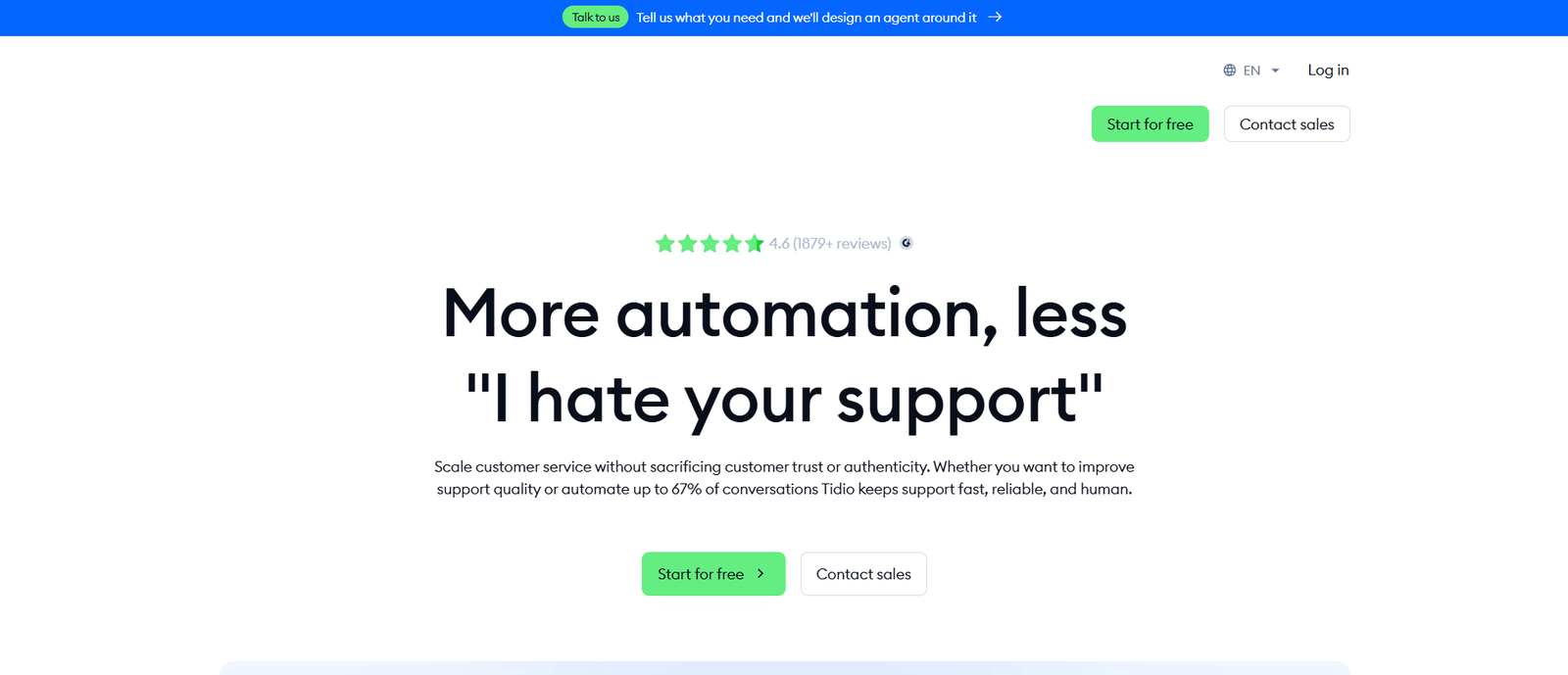
Tidio’s Lyro AI chatbot is the fastest tool on this list to get live — you can have it answering shipping and return questions within an hour of connecting your help center content, no code required. The live-chat widget and multichannel inbox come bundled in, so you’re not stitching together three separate tools. Entry-level paid plans run in the $32–40/month range once you outgrow the free conversation cap. It’s the right pick under roughly 150 tickets a month; past that, you’ll bump into automation limits that push you toward a higher tier faster than the sticker price suggests.
Freshdesk — Best Affordable AI Helpdesk for Growing Small Businesses
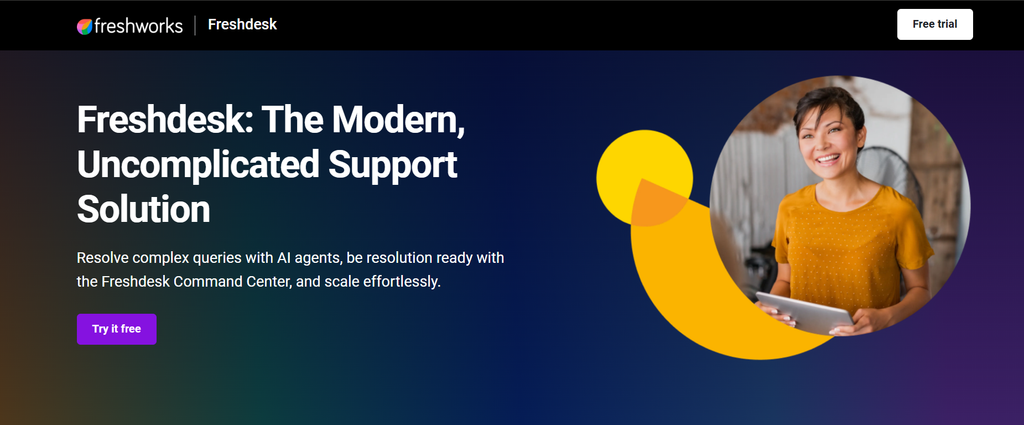
Freshdesk earns its spot because the free tier isn’t a trick — unlimited agents, a real ticketing system, and basic automation, no time bomb. Freddy AI layers on top to draft agent replies and auto-classify incoming tickets, which matters once your volume passes what one person can triage by hand. It’s the strongest all-around option in the 100–600 ticket range. The catch: the AI features worth paying for — full Freddy Copilot, advanced automation — sit behind paid tiers running roughly $15–50 per agent, so budget past the headline “free” price.
Intercom Fin — Best AI Resolution Engine for SaaS and Digital Businesses
Intercom Fin is built differently from most of this list — instead of charging per seat, it charges roughly $0.99 for every ticket it resolves on its own, with no fee for tickets it hands to a human. For a SaaS business with well-documented product docs and a genuinely high AI resolution rate, that can undercut seat-based pricing significantly. The math flips fast during a spike, though: if Fin resolves 500 tickets in a busy launch week, that’s close to $500 before you’ve paid for anything else in your stack. Model your worst month, not your average one, before committing.
Gorgias — Best AI Customer Support Tool for Ecommerce Stores
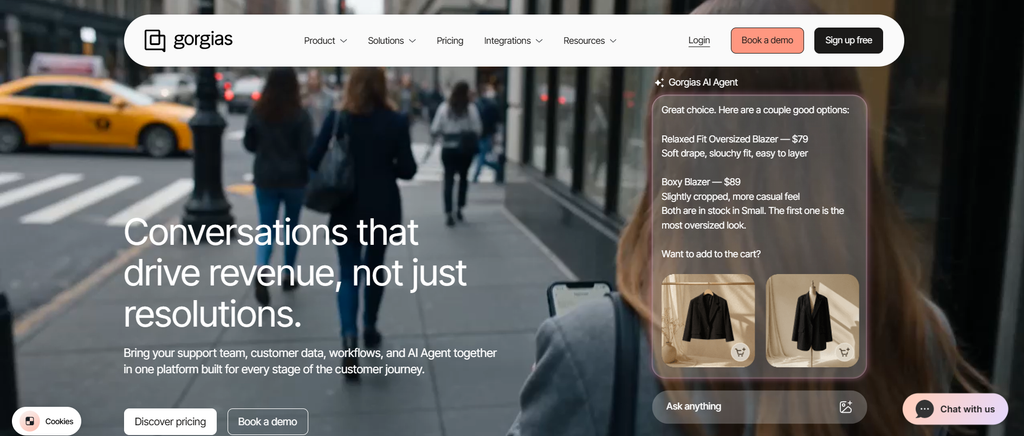
Gorgias earns its ecommerce reputation by pulling order status, shipping data, and purchase history directly into the agent’s (and the AI’s) view of every conversation — something the generalist helpdesks on this list don’t do out of the box. Entry tiers start around $10–50/month scaled by ticket volume, with overage charges once you exceed your plan’s cap. It’s a near-automatic pick if you’re on Shopify. If you’re not running an online store, though, most of what makes Gorgias worth the price tag goes unused.
Zendesk AI — Best Structured Helpdesk for Support-Heavy SMBs
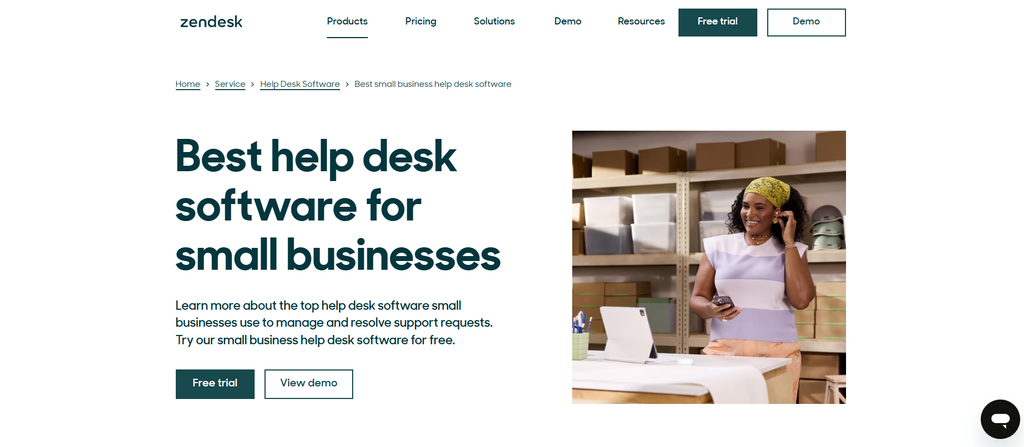
Zendesk AI is the most mature ticketing system on this list, and it shows in the reporting, workflow automation, and AI agent capabilities once you’re past 400 tickets a month and need real structure. The tradeoff is cost and setup time — plans run $55–115 per agent once AI add-ons are included, and configuring the automation rules properly takes more upfront work than a Tidio or Gorgias install. For a five-person team just getting started, that’s overkill; for a support team of four or five handling steady volume, it starts to make sense.
HubSpot Service Hub — Best AI Support Tool for CRM-Centered Businesses
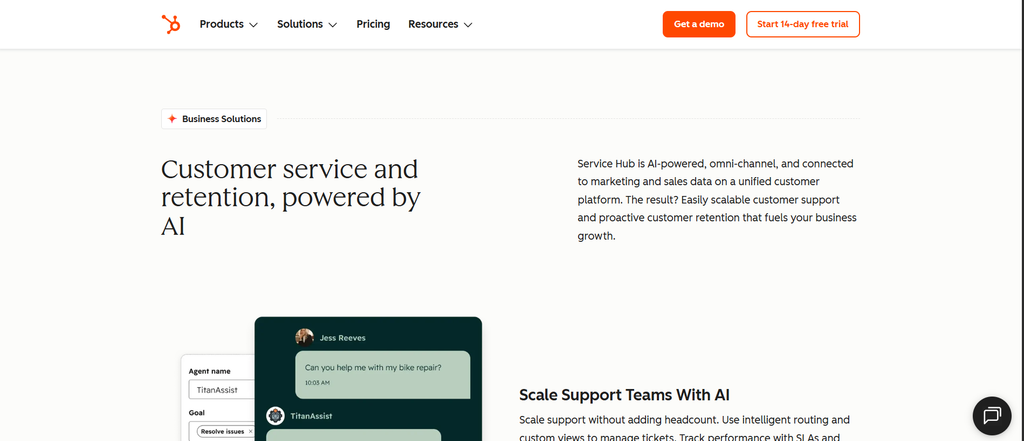
If your support tickets need to connect back to a sales or account history — a client asking about their renewal, a lead who’s also filed a support request — HubSpot Service Hub’s advantage is that support, CRM, and marketing data live in one record. The free tier covers genuine basics; real AI depth (drafting, summarization, deeper automation) requires the Professional tier, where costs climb per seat. It’s a strong choice for agencies and CRM-heavy businesses, less so for a pure ecommerce operation with no CRM need.
Zoho Desk — Best Budget AI Helpdesk for Broad SMB Use Cases
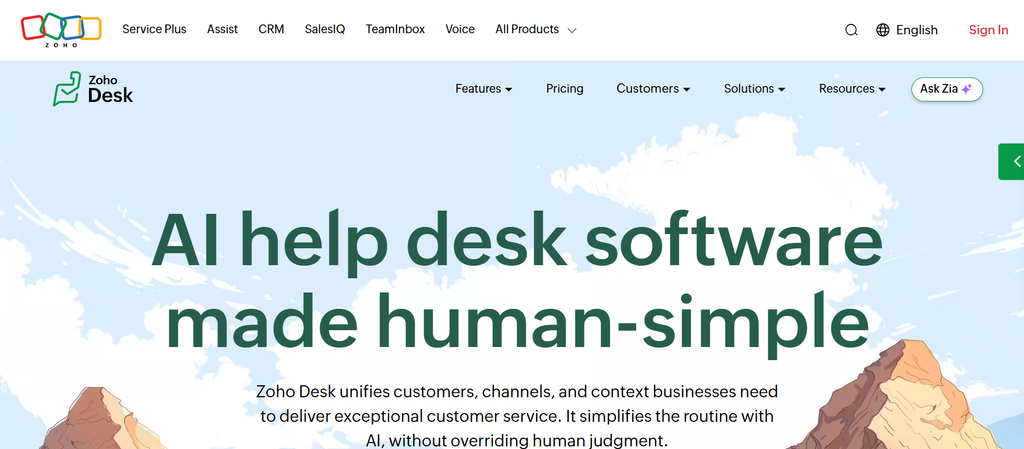
Zoho Desk is the value play here — Zia AI covers sentiment detection and auto-suggested replies at a per-agent price ($14–40) that consistently undercuts Zendesk and HubSpot for comparable ticketing features. It suits agencies and service businesses that want broad functionality without premium pricing. The honest tradeoff: the interface and setup take longer to feel intuitive than Tidio or Help Scout, so budget a bit more onboarding time.
Help Scout — Best Human-Friendly Support Platform for Small Service Teams
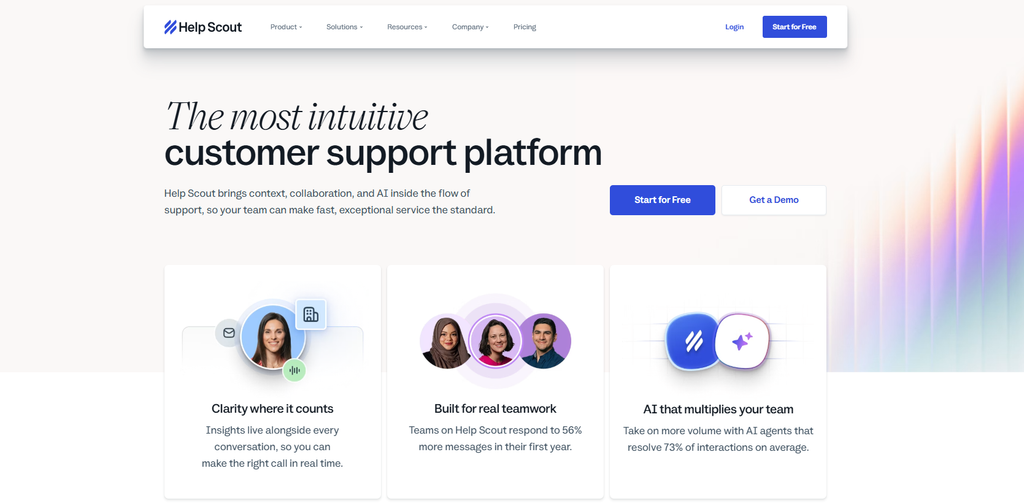
Help Scout deliberately reads less like a chatbot platform and more like a shared inbox that happens to have AI-assisted drafting built in — which is exactly the point for service businesses whose customers expect a person, not a bot, on the other end. Pricing runs $22–65 per user with no permanent free tier, just a 15-day trial. It’s a poor fit if you want heavy automation and self-serve resolution; it’s a strong fit if you want AI to make your small human team faster without changing how support feels to the customer.
Ada — Best No-Code AI Automation for Repetitive Support Questions
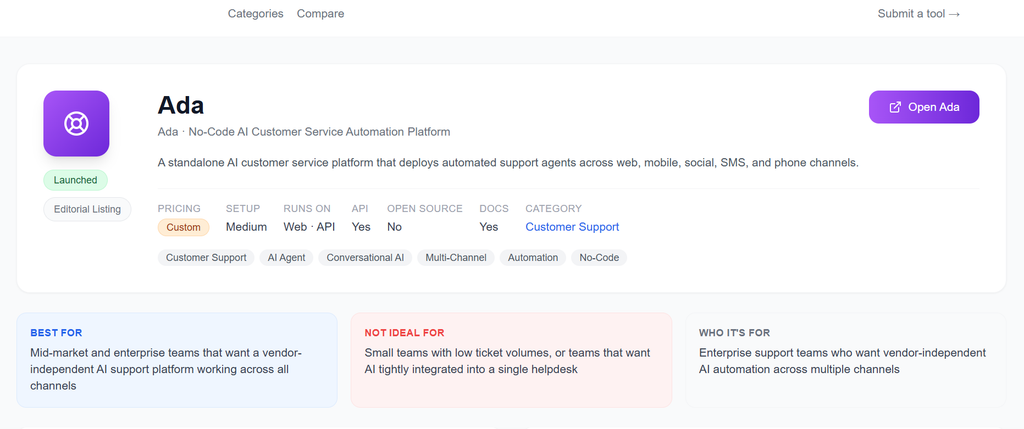
Ada’s pitch is pure automation depth for teams with well-documented, repetitive questions — multilingual support and no-code deployment come standard. The problem for small businesses is pricing transparency: Ada leans toward custom quotes and enterprise-style sales conversations, which makes it harder to budget against than the flat or published-rate tools on this list. Worth evaluating if your ticket volume is high and repetitive; skip the sales call if you’re still under a few hundred tickets a month.
Level AI — Best Conversation Intelligence for Support Quality and Coaching
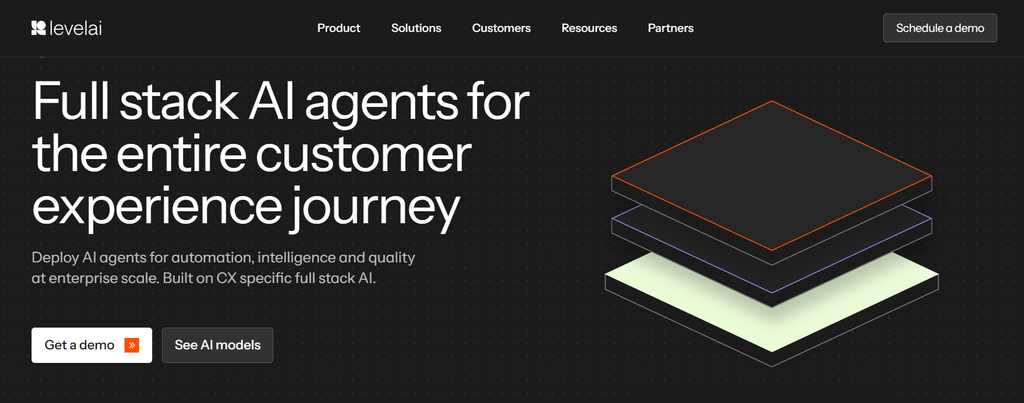
Level AI isn’t really competing in the same category as the rest of this list — it’s built for quality assurance and agent coaching across conversations, not chatbot-first automation. That makes it a poor match for a small business looking to deflect tickets, and a genuinely strong one for a growing support team (five-plus agents) that wants visibility into conversation quality. Custom pricing and implementation requirements make it disproportionate for a solo operator or two-person team.
AI Customer Support Pricing Models and the Costs SMBs Actually Face
Here’s what changed in 2026: AI support pricing stopped looking like software pricing and started looking like a utility bill. Five models compete for your budget, and mixing them up is the single biggest reason small businesses get an invoice that doesn’t match what they expected:
- Per seat: You pay for each human agent using the platform, and AI features are usually bundled in. Cost scales with headcount, not with how much the AI actually does.
- Per resolution (or “outcome”): You pay only when the AI fully resolves a ticket without a human. Intercom Fin is the clearest example at roughly $0.99 per resolution.
- Per conversation: You pay for every AI-handled interaction whether or not it resolves the issue — a subtly worse deal than per-resolution pricing if your AI often needs a follow-up message to close something out.
- Flat platform fee: A fixed monthly rate with usage caps built in. Predictable, but you’re paying for headroom you might not use.
- Custom/usage-based: Common with enterprise-leaning tools like Ada — you negotiate a rate, which makes comparison shopping harder.
The numbers that matter for budgeting: AI-resolved tickets typically run $0.49 to $2.00 each across vendors, with Intercom Fin’s $0.99 figure as the market’s most-cited reference point. Compare that to a human-handled ticket, which typically costs a business $8 to $15 once you count labor time. That gap is the entire business case for AI support — but it only holds if your AI is actually resolving tickets cleanly, not generating a wall of “let me connect you to a human” handoffs that cost you the AI fee and the labor cost. Treat every published starting price as the floor, not the total, and re-check current vendor pricing pages before you sign — these figures shift as vendors adjust their models.
The Monthly Cost of 400 Support Tickets Across Pricing Models
Numbers are easier to trust with a real example. Take a small business handling 400 support conversations a month — a believable mid-tier volume for a growing ecommerce store or SaaS startup.
Per-seat pricing (2 agents on a mid-tier plan, ~$40/agent): roughly $80/month flat, regardless of how many of those 400 tickets the AI actually resolves. Predictable, but you’re paying the same amount whether the AI closes 50 tickets or 350.
Per-resolution pricing at a 60% AI resolution rate: 240 tickets resolved by AI at $0.99 each = ~$238/month, plus whatever your remaining helpdesk plan costs for the 160 tickets that go to a human. At an 80% resolution rate, that climbs to ~$317/month for the AI alone. This model gets more expensive, not less, as your AI gets better at its job — which surprises a lot of first-time buyers.
Flat-rate pricing with a 500-conversation cap (~$150/month): Cheapest option at this exact volume, and the one where a slow month doesn’t cost you anything extra. The risk flips the other way — a seasonal spike that pushes you to 600 conversations either gets throttled or triggers overage fees.
Hybrid (platform fee + usage, e.g., Freshdesk or Zendesk with an AI add-on): Typically $50–100 platform cost plus $0.10–0.30 per AI-assisted conversation, landing around $130–220/month at 400 tickets.
At this volume, the realistic small-business range lands between $80 and $220 a month depending on the model — well within the broader $80–$1,500/month range the market covers across all volume tiers. The wide spread exists because per-resolution pricing rewards a low or moderate AI resolution rate and punishes a high one, while flat and per-seat pricing do the opposite: reward volume, punish an idle month. Match the model to how steady your ticket volume actually is, not just how many tickets you get on average.
Free AI Support Plans That Remain Useful After the Demo
“Has a free plan” tells you almost nothing on its own — what matters is where the wall hits.
Tidio’s free tier includes the live-chat widget and a real, working set of Lyro AI conversations per month (not just a countdown trial) — genuinely usable for a solo operator or very early-stage store. The upgrade trigger hits once your monthly AI conversation count exceeds the free allowance, which for an active store can happen faster than the marketing implies.
Freshdesk’s free tier is the most generous structurally — unlimited agents, a working ticketing system, basic automation, no seat-count trap. The catch is that Freddy AI’s more useful capabilities (auto-drafting replies, deeper routing intelligence) require a paid plan, so the free tier is a genuinely solid helpdesk but a limited AI tool.
HubSpot Service Hub’s free tier covers ticketing basics and simple automation adequately, but meaningful AI functionality — the kind you’re actually shopping for — sits behind the Professional tier, where pricing jumps noticeably per seat.
For a solo operator: Tidio’s free tier is the most immediately useful. For a small team of two to four: Freshdesk’s free tier stretches furthest before you hit a real wall. For a business already approaching 400 tickets a month: none of these free tiers will carry you — budget for a paid plan from day one rather than planning around a free-tier ceiling you’ll blow past in month two.
The Pre-Launch Checklist for Implementing AI Customer Support
Every list on this topic stops at “here’s the tool.” The part that actually determines whether AI support works for you happens before you flip it on:
- Audit your knowledge base first. AI support is only as good as what it’s trained on — thin or outdated help docs produce confidently wrong answers, which erodes trust faster than no AI at all.
- List your top 15–20 recurring questions and write approved answers for each before launch, rather than letting the AI improvise from general documentation.
- Set explicit escalation rules for refunds, complaints, angry customers, and anything the AI is uncertain about. Don’t let “resolve everything” be the default instruction.
- Confirm the human handoff channel and response-time commitment — a customer bounced from AI to a black hole is worse than no AI.
- Pick one or two priority channels for launch, not every channel at once. Email or chat first; expand once you trust the output.
- Check data permissions and integrations — what customer data the AI can see, and what it’s not allowed to touch or share.
- Record your baseline metrics — average response time, CSAT, ticket volume — before activation, so you can actually measure whether the AI helped.
- Review transcripts daily for the first week, then weekly after that, correcting the knowledge base as you find gaps.
- Track failures, not just successes. A wrong or evasive AI answer that goes unnoticed costs you more than a slow human response would have.
Launch on your highest-confidence use cases first — shipping status, return policy, account basics — and expand into more complex conversations only once you trust what the AI is actually saying to customers.
The Best Tool Depends on Volume, Complexity, and Pricing Risk
If you’re still deciding: choose Tidio for the simplest possible start at low volume. Choose Freshdesk if you want the strongest all-around helpdesk value as you grow past the first few hundred tickets. Choose Gorgias if you’re running an ecommerce store and want order data baked into every conversation. Choose Intercom Fin if your AI resolution rate will genuinely be high and you’re comfortable with usage-based billing. Choose Zoho Desk or Help Scout if you’re a service business or agency that wants a helpdesk that still feels human. Save Zendesk AI or Level AI for the point where your support complexity — team size, ticket volume, need for coaching and QA — actually justifies the added cost and setup time.
The tool that wins isn’t the one with the most features. It’s the one that matches your current ticket volume, hands off cleanly to a human when it should, and won’t blow up your budget the one month things get busy.
Frequently Asked Questions
What is the best AI customer support tool for a small business?
It depends on your setup: Tidio for low-volume ecommerce just getting started, Freshdesk for general small-business use as volume grows, Gorgias if you’re specifically on Shopify, and Intercom Fin if you want the strongest AI resolution and can handle usage-based pricing.
What is the cheapest AI customer support software for a small business?
Compare total monthly cost, not the advertised starting price. A tool with a low sticker price but per-resolution billing can cost more at 400+ tickets a month than a flat-rate competitor with a higher headline number — model your actual volume before assuming “cheapest” from the pricing page.
How many tickets does a small business need before AI support pays for itself?
Using the cost gap between AI resolutions (roughly $0.49–$2.00 each) and human-handled tickets (roughly $8–$15 each), most businesses see a positive return once they’re consistently handling 100+ tickets a month with a reasonable AI resolution rate. The exact break-even point depends heavily on how well your knowledge base trains the AI and how much the platform itself costs.
Can I set up an AI helpdesk without a developer?
For basic FAQs, common workflows, and standard integrations, yes — most tools on this list are built for no-code setup. Custom integrations, bulk data migration, and complex escalation logic across multiple systems usually benefit from technical help, even if it’s not strictly required.
Which AI customer support tool has the most useful free plan?
Freshdesk’s free tier is the most generous as a full helpdesk. Tidio’s free tier is the most immediately useful for AI chatbot conversations specifically. HubSpot’s free tier covers the basics but gates real AI depth behind a paid upgrade.
Do AI customer support tools replace human agents?
No, not in practice. They handle the repetitive, well-documented questions — shipping status, account basics, common troubleshooting — so your human agents spend their time on the complaints, edge cases, and emotionally charged conversations that actually need a person.
How should I choose between per-seat and per-resolution AI support pricing?
Per-seat pricing is more predictable when your human agents are handling a large share of tickets themselves. Per-resolution pricing can be cheaper when your AI resolves a genuinely high percentage of repetitive questions on its own — but run the math at your actual volume first, since a high resolution rate makes per-resolution pricing more expensive, not less.
Found something wrong or outdated? Report an issue. Want us to cover something? Suggest a topic.
Comments