
AI marketing tools in 2026 are no longer just writing assistants. The best stack now helps a team research customers, plan campaigns, write content, make creatives, optimize pages for Google and AI answers, schedule social posts, automate email flows, and measure what actually creates revenue.
The mistake is buying a long list of shiny tools before you know the job each tool must do. This guide ranks 12 AI marketing tools by use case, pricing pressure, workflow fit, and ROI potential for SaaS teams, small businesses, ecommerce brands, agencies, and content-led companies.
Pricing and feature notes were checked from official vendor pages on July 22, 2026. AI plans change often, especially around seats, credits, AI agents, usage limits, and annual billing. Always confirm the latest details on the official pricing page before buying.
Editorial note: This guide follows the ReviewAIToolz review methodology and editorial policy. Tool facts are checked against public or official sources where possible, and hands-on testing is labelled only when it actually happened.
Best picks by marketing use case
| Use case | Best tool | Why it fits |
|---|---|---|
| Brand-safe campaign content | Jasper | Best fit when a team needs governed brand voice, campaign assets, agents, and repeatable content workflows. |
| CRM-driven marketing automation | HubSpot Breeze + Marketing Hub | Best fit when AI needs customer, contact, campaign, and revenue context in one system. |
| SEO, AI visibility, and competitor research | Semrush | Best fit for search-led teams that need audits, keyword research, competitor data, and AI search tracking. |
| SEO content optimization | Surfer | Best fit for teams improving articles, landing pages, and AI-search-ready content briefs. |
| GTM workflow automation | Copy.ai | Best fit for turning repeatable marketing and sales tasks into AI workflows. |
| Visual content production | Canva | Best fit for creating social graphics, ad visuals, presentations, landing-page assets, and brand kits. |
| Paid ad creative testing | AdCreative.ai | Best fit for quickly producing and scoring ad creatives across channels. |
| Email automation for B2B and SaaS | ActiveCampaign | Best fit for email journeys, segmentation, automations, and AI-assisted campaign building. |
| Ecommerce email and SMS | Klaviyo | Best fit for Shopify and ecommerce brands that need segmentation, flows, SMS, and revenue attribution. |
| Affordable social scheduling | Buffer | Best fit for small teams that want simple scheduling, AI post help, analytics, and low per-channel pricing. |
| No-code marketing automation | Zapier | Best fit for connecting tools, moving leads, enriching forms, and automating campaign operations. |
| Video repurposing | Descript | Best fit for turning webinars, podcasts, demos, and recordings into polished video and social clips. |
AI marketing tools comparison table 2026
| Tool | Best for | Entry pricing checked | Main AI value | Watch out for |
|---|---|---|---|---|
| Jasper | Brand and campaign content | Pro at $69/month/seat monthly or $59/month/seat annually; Business custom | Marketing agents, brand voice, content pipelines, GEO and AEO workflows | Can be expensive if you only need occasional copy |
| HubSpot Breeze + Marketing Hub | CRM-based campaigns | Free plan; Starter from $7/month/seat annually; Professional from $800/month; Enterprise from $3,600/month | AI features inside CRM, agents, assistant, credits, automation, reporting | Professional and Enterprise onboarding fees matter |
| Semrush | SEO and AI visibility | SEO plan from $117.33/month annually; SEO + AI Search Starter from $165.17/month annually | Keyword research, site audit, competitor data, AI visibility, sentiment, prompts | Costs rise as you need more domains, keywords, seats, and AI tracking |
| Surfer | SEO content optimization | Discovery from $49/month annually; Standard $99/month annually; Pro $182/month annually | Content optimization, AI search visibility, AI writing assistant, internal linking | Best value appears when you publish or update content consistently |
| Copy.ai | GTM AI workflows | Chat from $29/month monthly or $24/month annually; Growth from $1,000/month annually | GTM workflows, chat, workflow credits, integrations, sales and marketing automation | Serious automation jumps from low-cost chat to high annual plans |
| Canva | Marketing design | Free and paid plans; official pricing varies by plan, region, and billing period | AI design tools, brand kits, presentations, social graphics, ad assets | Design quality still depends on brand rules and human taste |
| AdCreative.ai | Ad creative generation | Starter from $39/month monthly, with lower effective annual pricing shown | Ad creative generation, creative scoring, competitor insights, integrations | Credit limits and higher-volume plans can raise the real cost |
| ActiveCampaign | Email and lifecycle automation | Contact-based pricing; official page shows plan customization and free trial | Active Intelligence, AI campaign builder, automation, predictive sending, segmentation | Pricing depends heavily on contacts, users, and add-ons |
| Klaviyo | Ecommerce email and SMS | Free plan up to 250 active profiles and 500 emails/month; paid plan calculated by profile count and channels | Ecommerce data, segmentation, flows, SMS, Composer credits, reporting | Costs scale with active profiles and channel add-ons |
| Buffer | Social scheduling | Essentials from $5/month per channel annually; Team from $49/month per channel annually | AI Assistant, scheduling, ideas, analytics, inbox, channel management | Per-channel pricing adds up for agencies and multi-brand teams |
| Zapier | Automation between tools | Free plan; Professional from $19.99/month annually; Team from $69/month annually | AI workflows, Copilot, AI fields, forms, tables, integrations, webhooks | Task volume is the real cost driver |
| Descript | Video and podcast repurposing | Free plan; Hobbyist from $16/person/month annually; Creator from $24/person/month annually | Text-based video editing, Underlord AI co-editor, clips, captions, studio sound | Media hours and AI credits can become the limiting factor |
How we ranked these AI marketing tools
We compared these tools against the way a real marketing team works, not just against feature lists. A useful AI marketing tool should reduce a bottleneck in one of four places: strategy, production, distribution, or measurement.
Competitor articles often miss three things. First, they mix social tools, email tools, AI writing tools, and automation platforms without explaining which tool belongs in which stack. Second, many lists do not clearly show pricing pressure. Third, vendor-owned pages naturally highlight their own product more than the buyer’s full workflow.
| Ranking factor | What we checked |
|---|---|
| Workflow fit | Does the tool solve a clear marketing job, or is it just another AI chat box? |
| ROI path | Can the tool plausibly improve output, conversion, traffic, retention, or team speed? |
| Pricing clarity | Can a buyer understand the entry cost and the factor that makes the price scale? |
| AI relevance | Does AI materially change the workflow, or is it a light feature layered on top? |
| Stack compatibility | Does the tool fit with CRM, analytics, SEO, email, ads, social, or content systems? |
| SEO, GEO, and AEO support | Does the tool help produce specific, source-backed, answer-friendly marketing content? |
Recommended AI marketing stacks by budget and team
| Team type | Recommended stack | Why this stack works |
|---|---|---|
| Solo founder or freelancer | Canva + Buffer + Zapier + one SEO tool | Covers design, social publishing, automation, and search without enterprise cost. |
| Small SaaS team | HubSpot Starter or ActiveCampaign + Surfer + Canva + Zapier | Good mix of CRM/email, content optimization, design, and operational automation. |
| SEO-led growth team | Semrush + Surfer + Jasper or Copy.ai | Combines research, optimization, content workflows, and AI search visibility. |
| Ecommerce brand | Klaviyo + Canva + AdCreative.ai + Buffer | Connects email/SMS revenue, product visuals, ad creatives, and social distribution. |
| Agency | Semrush + Surfer + Jasper + Buffer Team + Zapier Team + Descript | Works for multi-client search, content, social, video, and reporting workflows. |
| Enterprise marketing team | HubSpot Professional/Enterprise + Jasper Business or Writer + Semrush + governance tools | Prioritizes brand control, CRM context, approval workflows, security, and reporting. |
Detailed AI marketing tool reviews
1. Jasper – best for brand-safe AI campaign content
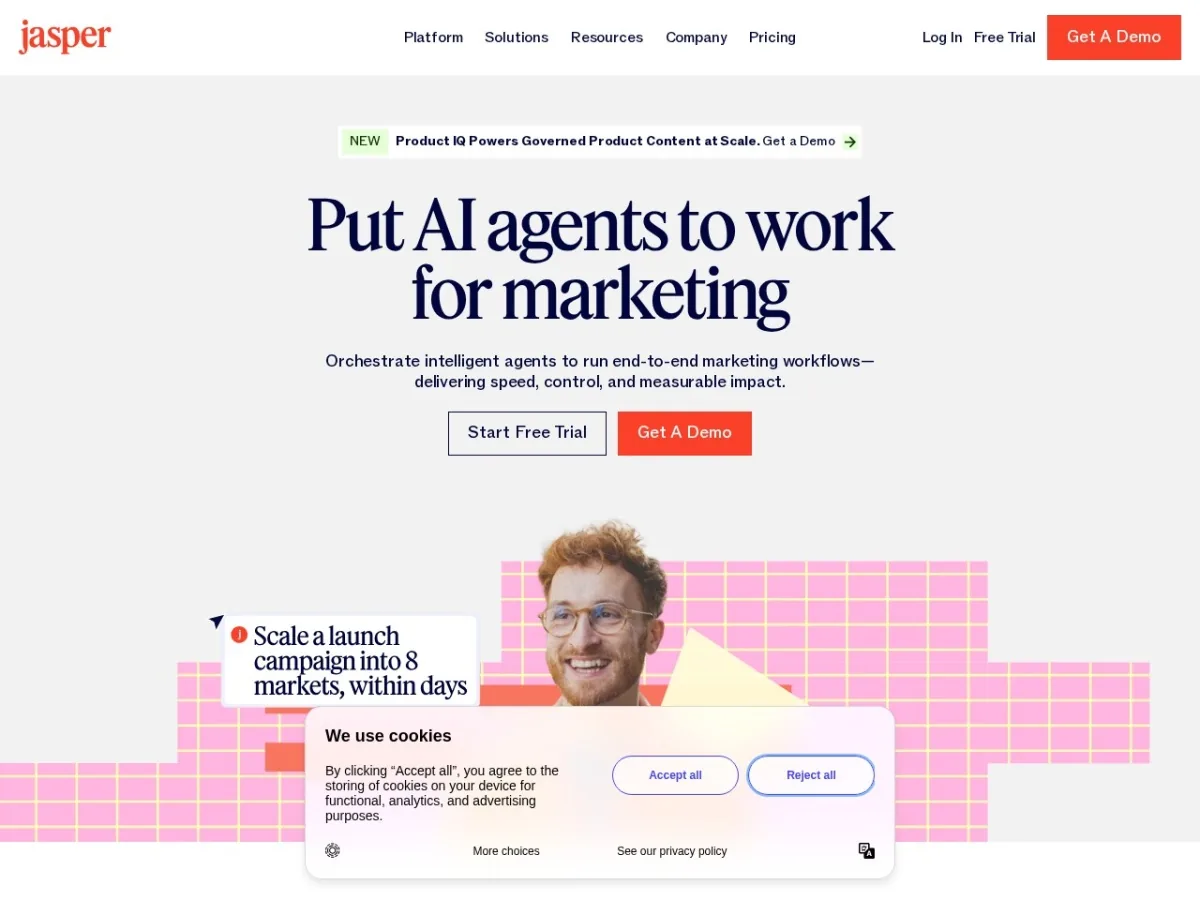
Jasper is the strongest pick when the main problem is not “write one blog post” but “keep many marketing assets on-brand across campaigns.” It is built for marketing teams that need brand voice, knowledge, campaign workflows, and governed AI agents.
| Best for | Content marketing, brand marketing, product marketing, campaigns, SEO and AEO content, and enterprise content governance. |
|---|---|
| Key AI features | Marketing agents, Canvas, content pipelines, brand voice, knowledge assets, audiences, GEO and AI optimization workflows, image generation and editing. |
| Pricing checked | Pro was listed at $69/month/seat monthly or $59/month/seat annually. Business uses custom pricing. |
| First workflow to run | Upload your brand voice and create one campaign package: landing page copy, email sequence, LinkedIn posts, ad angles, and FAQ. |
Pros
- Strong brand and governance features for real marketing teams.
- Better campaign workflow fit than generic chat tools.
- Useful for SEO, AEO, repurposing, and multi-channel messaging.
- Business plan supports deeper controls, custom agents, and account support.
Cons
- Not the cheapest option for solo creators.
- Best results require brand inputs, examples, and review discipline.
- Business-level workflows may need sales contact and setup time.
ReviewAIToolz verdict: Choose Jasper if content quality, brand consistency, and repeatable campaign production matter more than the lowest monthly price.
2. HubSpot Breeze + Marketing Hub – best for CRM-driven AI marketing
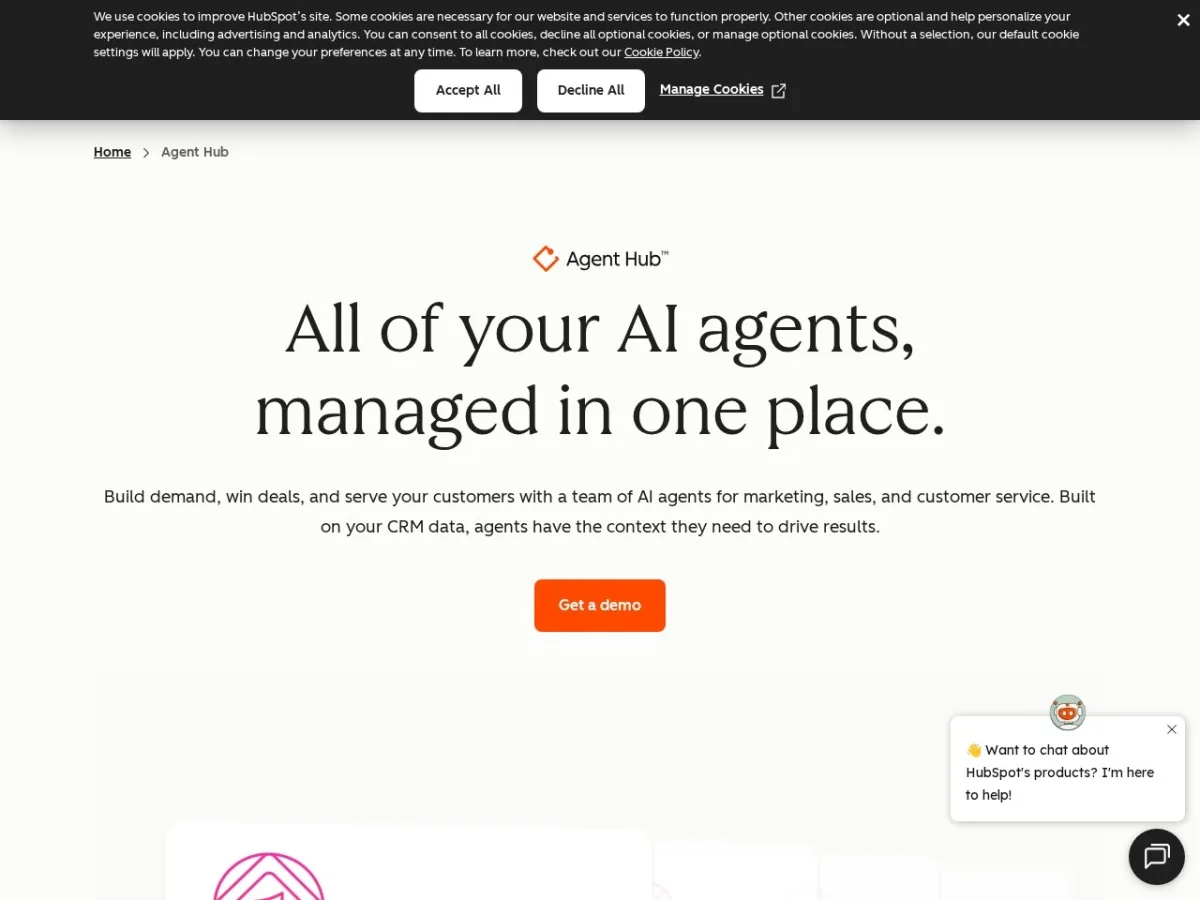
HubSpot is not just an AI writing layer. Breeze works inside the HubSpot ecosystem, which means the AI can use CRM, customer, campaign, and sales context. That makes it valuable for teams that want marketing automation tied to pipeline and revenue.
| Best for | B2B SaaS, demand generation, lifecycle campaigns, lead capture, CRM-based marketing, and reporting. |
|---|---|
| Key AI features | Breeze Assistant, embedded AI features, agents, customer context, HubSpot Credits, AEO features on higher editions, and automation support. |
| Pricing checked | Marketing Hub Free was listed at $0. Starter was shown from $7/month/seat annually, Professional from $800/month, and Enterprise from $3,600/month. Professional and Enterprise onboarding fees were also listed. |
| First workflow to run | Create a lead magnet campaign with form capture, email follow-up, segmentation, and a simple revenue report. |
Pros
- AI works close to customer and campaign data.
- Good for teams that need CRM, email, forms, landing pages, and reporting together.
- Breeze AI features are available across editions with access expanding by plan.
- Strong fit for SaaS teams that care about attribution and lifecycle marketing.
Cons
- Costs can rise quickly when moving into Professional or Enterprise.
- Setup quality matters; messy CRM data makes AI less useful.
- Some advanced AI agents and AEO features require higher editions.
ReviewAIToolz verdict: Choose HubSpot if the AI needs to work with real customer data, not just generate disconnected content.
3. Semrush – best for SEO, competitor research, and AI visibility
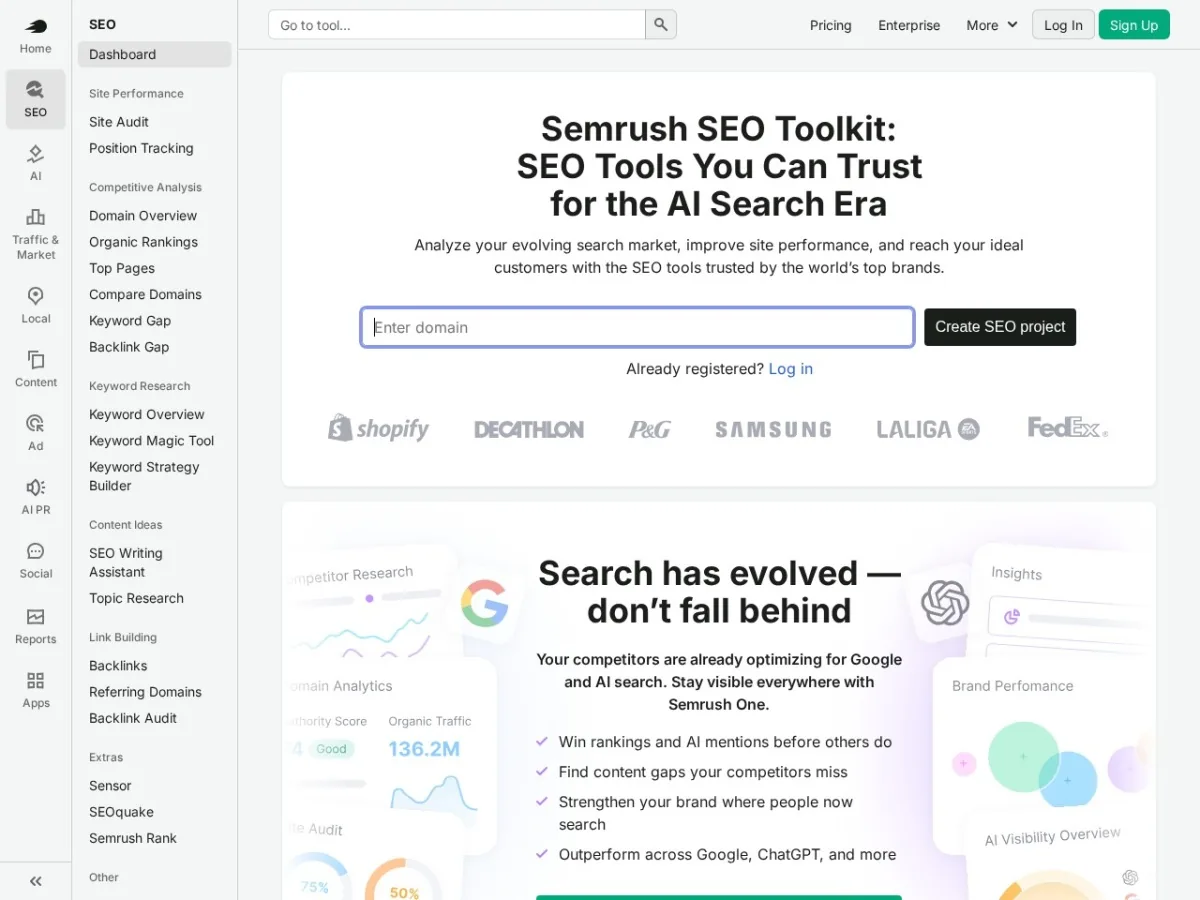
Semrush is the strongest tool in this list for search-led marketing. It helps teams choose keywords, audit technical issues, analyze competitors, track positions, and now monitor AI search visibility and sentiment on relevant plans.
| Best for | SEO teams, content strategists, agencies, SaaS growth teams, and brands tracking AI search visibility. |
|---|---|
| Key AI features | AI visibility tracking, AI sentiment monitoring, prompt tracking, SEO audits, competitor analysis, keyword research, and content insights. |
| Pricing checked | SEO was listed from $117.33/month billed annually. SEO + AI Search Starter was listed from $165.17/month billed annually. |
| First workflow to run | Audit your website, identify 10 buyer-intent keywords, compare competitors, and build a content update roadmap. |
Pros
- Strong keyword, audit, competitor, and tracking data.
- Useful for both traditional SEO and AI search visibility workflows.
- Good for content prioritization and update decisions.
- Agency-friendly when multiple domains need tracking.
Cons
- Can feel expensive if you only publish occasionally.
- Requires SEO judgment; the tool will not choose strategy for you.
- AI search and higher limits can raise the monthly cost.
ReviewAIToolz verdict: Choose Semrush if organic search is a serious acquisition channel and you need data before publishing.
4. Surfer – best for SEO content optimization and AI-search-ready pages
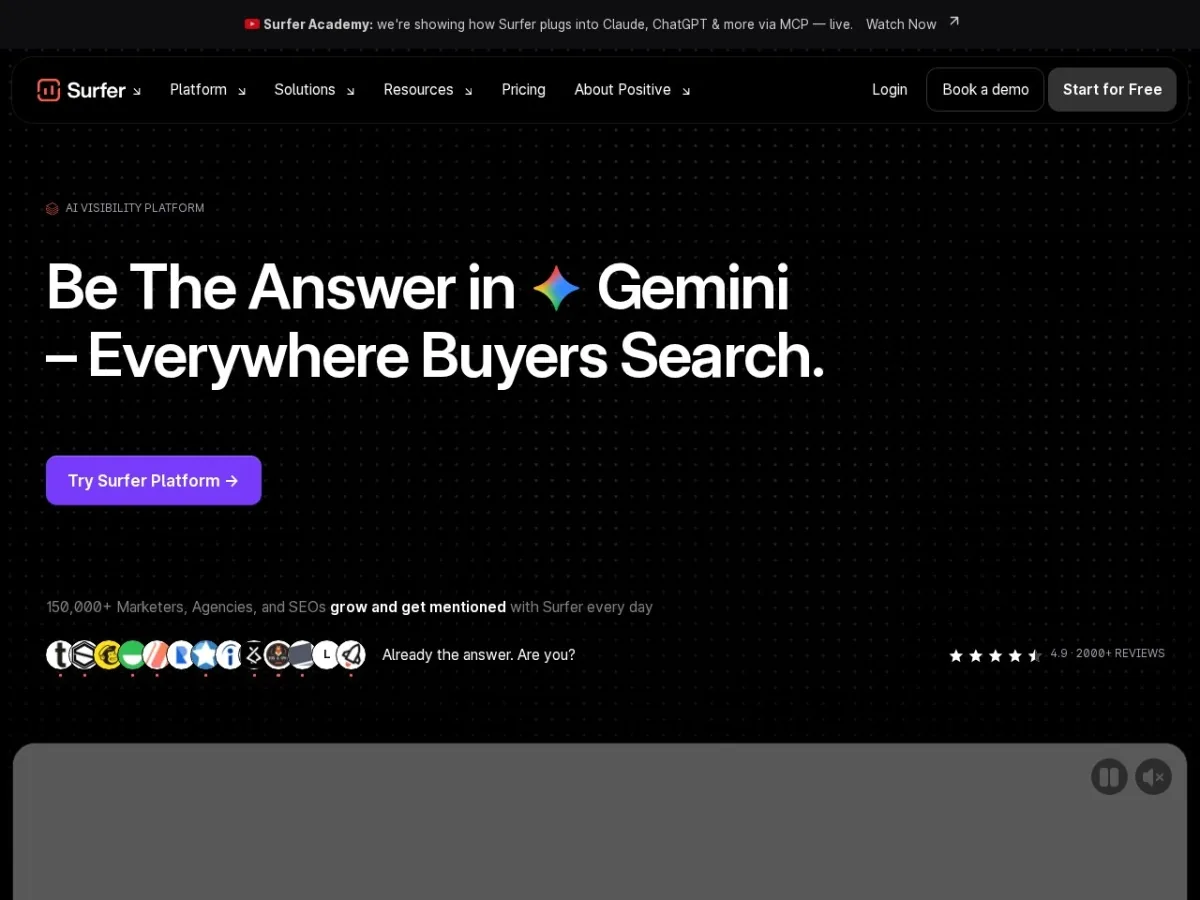
Surfer is best when your marketing bottleneck is turning topics into optimized pages. It is especially useful for teams updating existing pages, building briefs, improving content depth, and checking how their brand appears across AI search surfaces.
| Best for | SEO writers, content teams, agencies, affiliate teams, and SaaS blogs publishing or refreshing content regularly. |
|---|---|
| Key AI features | Content optimization, AI SEO guidelines, Surfy AI writing assistant, AI search visibility, brand knowledge, internal linking, and content gap ideas. |
| Pricing checked | Discovery was listed at $49/month billed yearly, Standard at $99/month billed yearly, Pro at $182/month billed yearly, and Peace of Mind at $299/month billed yearly. |
| First workflow to run | Pick one page already getting impressions in Google Search Console and improve headings, coverage, internal links, FAQs, and examples. |
Pros
- Very practical for writers and SEO editors.
- Helps reduce guesswork in content structure and page coverage.
- AI visibility tracking makes it relevant beyond classic Google rankings.
- Good fit for content refresh workflows.
Cons
- It does not replace keyword research or commercial strategy.
- Content can become formulaic if you follow scores blindly.
- Best value needs consistent publishing or updating volume.
ReviewAIToolz verdict: Choose Surfer if your main marketing engine is SEO content and you want a practical optimization workflow.
5. Copy.ai – best for GTM AI workflows
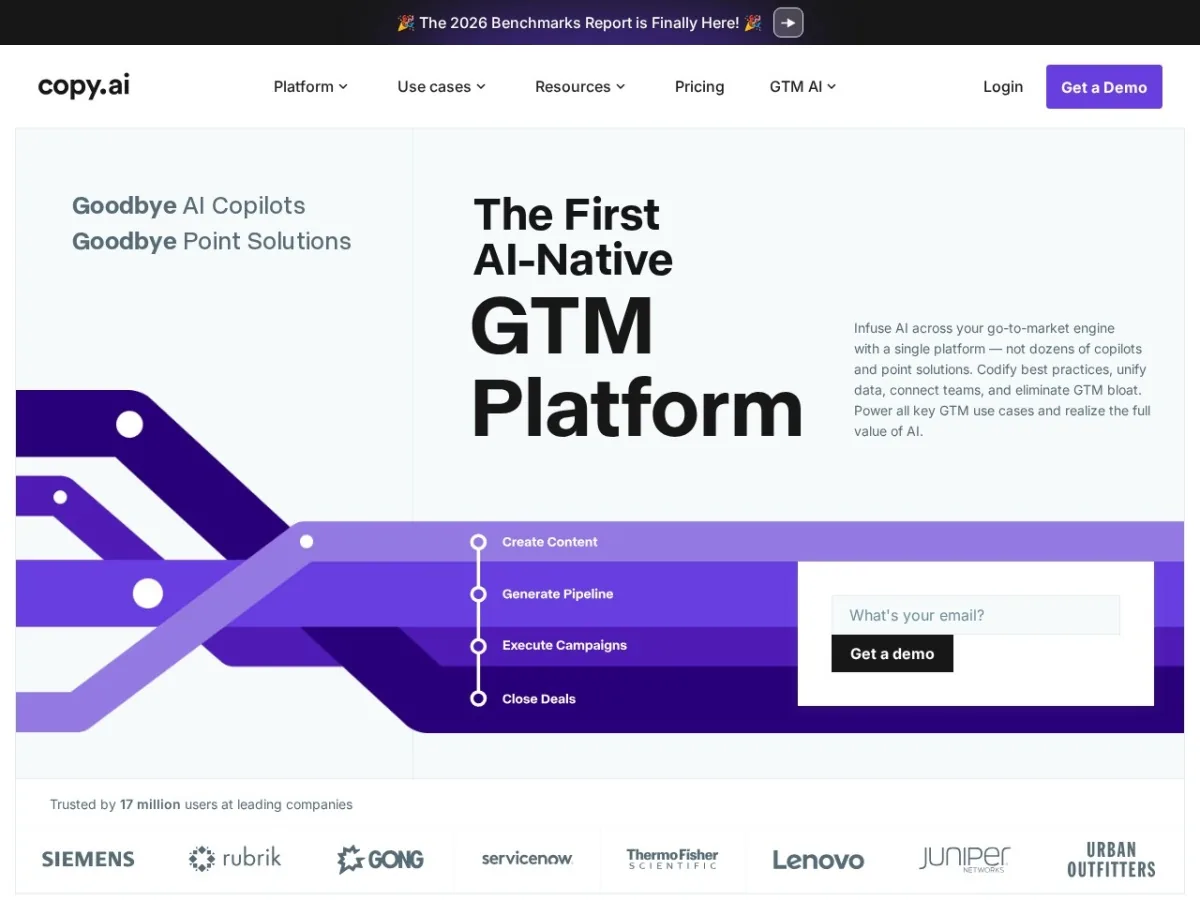
Copy.ai has moved beyond simple AI copywriting into GTM workflows. That makes it useful when your marketing and sales teams repeat the same research, enrichment, messaging, and content tasks every week.
| Best for | GTM teams, sales enablement, ABM, content operations, localization, and marketing workflow automation. |
|---|---|
| Key AI features | Chat, workflows, workflow credits, AI actions, tables, brand voice, GTM integrations, account research, content creation, and localization. |
| Pricing checked | Chat was listed at $29/month monthly or $24/month annually. Growth was listed at $1,000/month billed annually, with higher Expansion and Scale plans. |
| First workflow to run | Create an account-based marketing workflow that researches a target account, drafts positioning, and produces email and LinkedIn outreach angles. |
Pros
- Strong for repeatable go-to-market tasks.
- Useful when marketing and sales need a shared AI operating layer.
- Workflow credits make automation more structured than one-off prompts.
- Can codify internal best practices.
Cons
- There is a large jump from low-cost chat to serious workflow plans.
- Workflow design still needs process clarity.
- Overkill if you only need ad copy or blog outlines.
ReviewAIToolz verdict: Choose Copy.ai when the goal is scaling repeatable GTM processes, not just writing more copy.
6. Canva – best for visual marketing assets
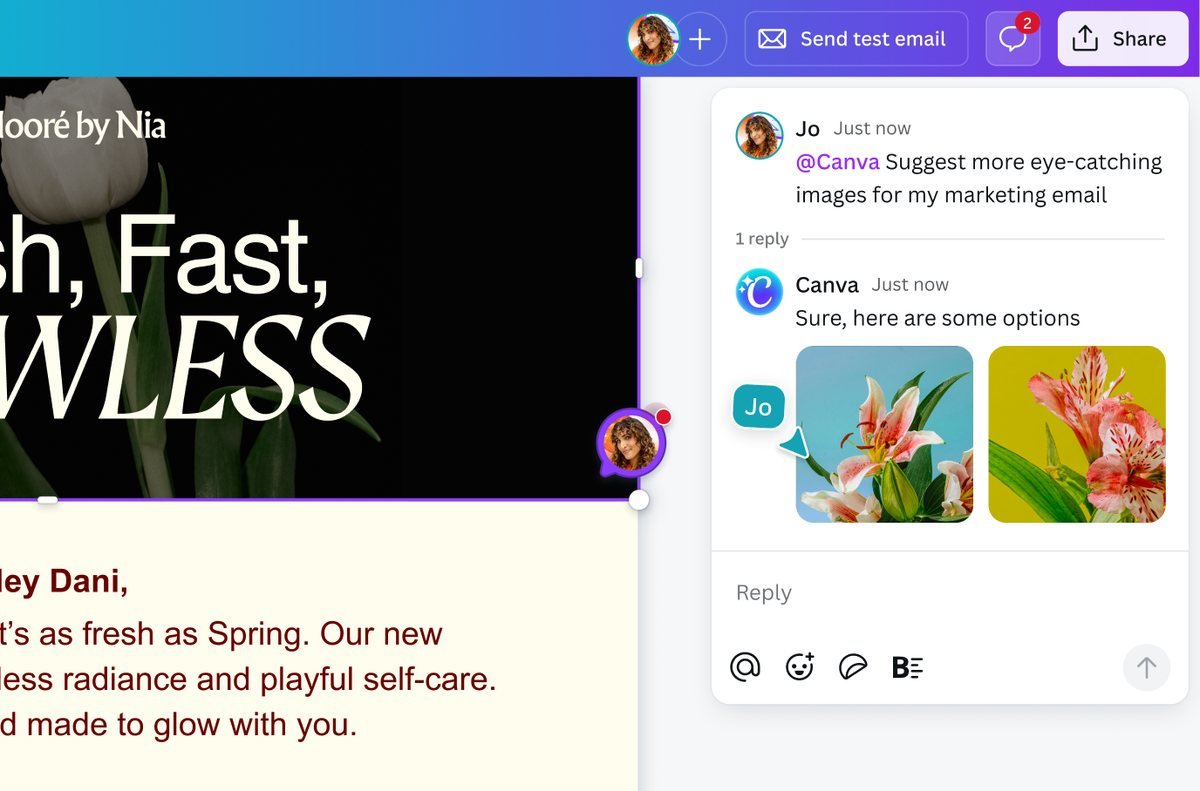
Canva is one of the easiest AI marketing tools to justify because almost every team needs visuals. It helps marketers create social posts, thumbnails, presentations, ad graphics, lead magnets, and campaign assets without waiting on a designer for every small task.
| Best for | Social media graphics, ad visuals, presentations, lead magnets, landing page assets, brand kits, and quick creative production. |
|---|---|
| Key AI features | AI design, writing, image generation, editing, templates, brand controls, Magic Studio features, and shared AI allowances by plan. |
| Pricing checked | Canva offers free and paid plans. Official pricing can vary by country, workspace, and billing period, so confirm the live price on Canva’s pricing page before buying. |
| First workflow to run | Build a reusable campaign kit: LinkedIn post template, ad creative template, carousel, presentation cover, and blog thumbnail. |
Pros
- Fastest way for small teams to produce polished marketing visuals.
- Large template library reduces blank-page friction.
- Brand kits help keep assets consistent.
- Useful even if you also use advanced design software.
Cons
- Template-heavy designs can look generic if not customized.
- AI outputs still need brand review.
- Not a replacement for strategic creative direction.
ReviewAIToolz verdict: Choose Canva as the visual layer of almost any AI marketing stack.
7. AdCreative.ai – best for paid ad creative testing
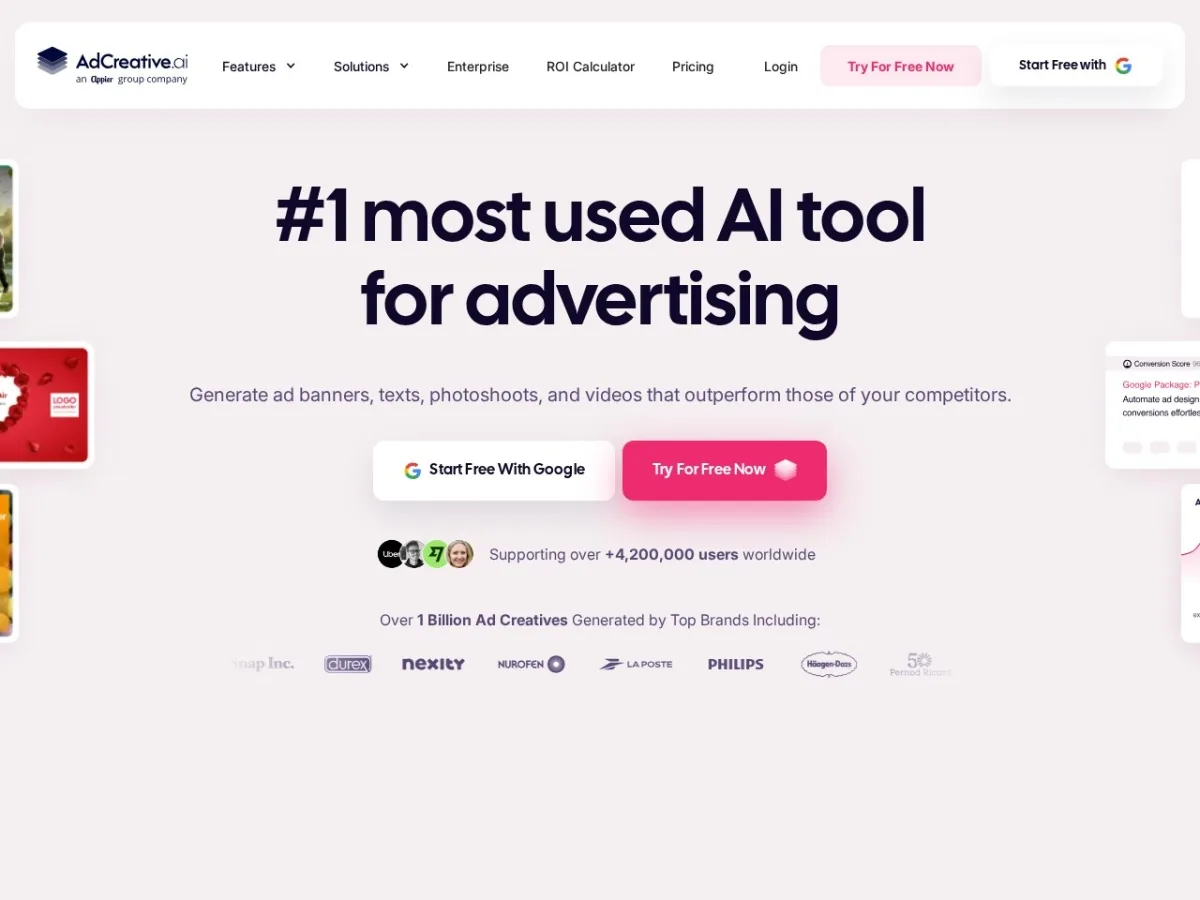
AdCreative.ai is built for one specific marketing job: generate more ad creative variations faster. That can be useful for teams running paid social, display, ecommerce ads, and campaign tests where creative fatigue hurts performance.
| Best for | Paid social, ecommerce ads, display ads, performance marketing teams, agencies, and brands testing many creative angles. |
|---|---|
| Key AI features | Ad creative generation, text generator AI, creative scoring, competitor insights, ad platform integrations, iStock photos, product videos, and batch creatives on higher plans. |
| Pricing checked | Starter was listed from $39/month monthly, with lower effective pricing shown for annual billing. Higher Professional and Ultimate plans increase credits, brands, and users. |
| First workflow to run | Generate 20 ad concepts for one offer, score them, then test the top five against your current winning creative. |
Pros
- Focused on a clear ROI lever: ad creative testing.
- Useful when teams need more variations than designers can manually produce.
- Creative scoring and competitor insights help prioritize tests.
- Good fit for ecommerce and performance marketing.
Cons
- Credit limits matter if you test heavily.
- AI creative still needs offer strategy and brand review.
- Not a full ad management platform.
ReviewAIToolz verdict: Choose AdCreative.ai if paid ads are active and creative volume is a real bottleneck.
8. ActiveCampaign – best for B2B and SaaS email automation
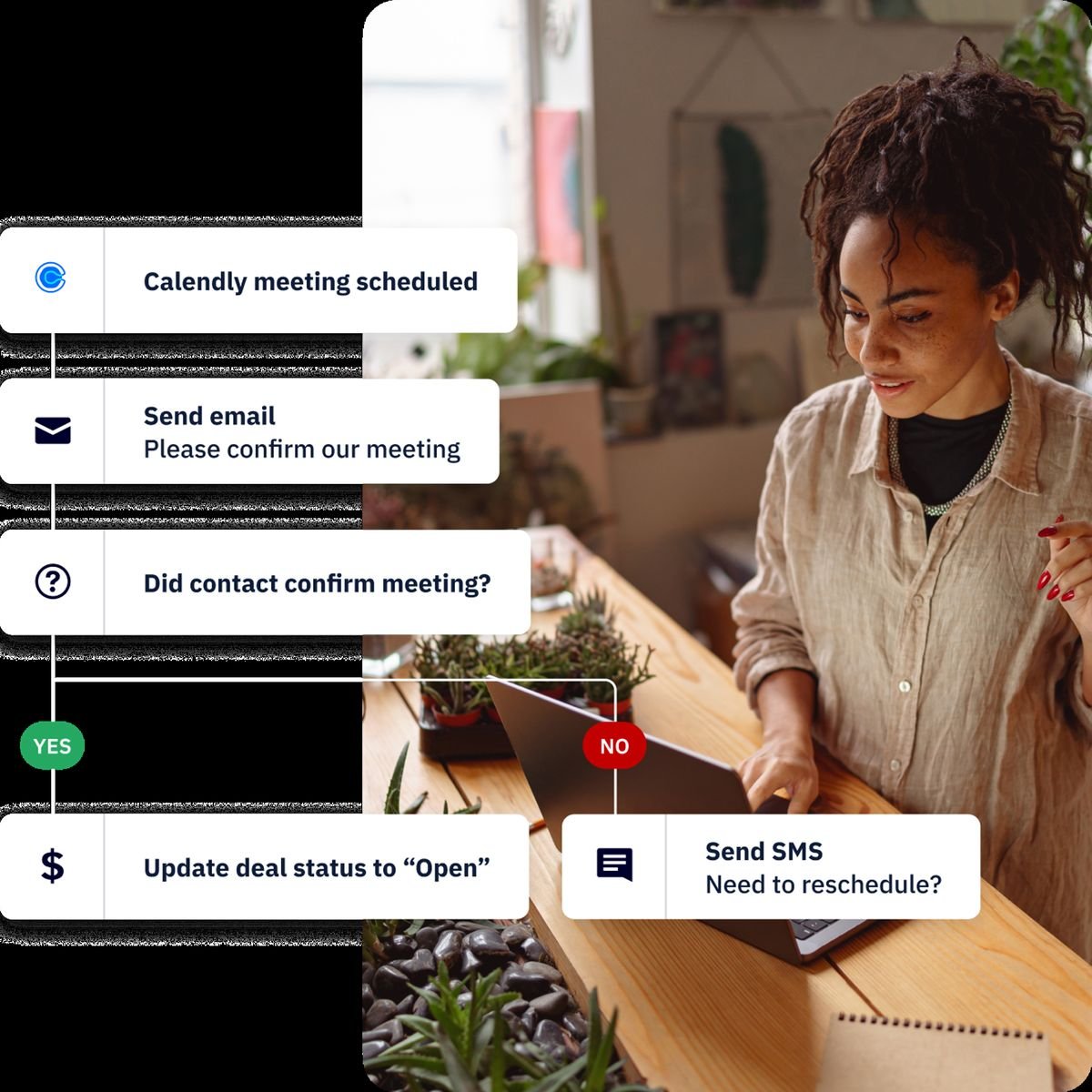
ActiveCampaign is a strong option when your marketing depends on nurture sequences, behavioral segmentation, lifecycle emails, and automation. Its AI features are most useful when they support the journey builder instead of sitting as a separate writing tool.
| Best for | B2B SaaS, online courses, service businesses, lifecycle email, lead nurturing, and automation-heavy campaigns. |
|---|---|
| Key AI features | Active Intelligence, AI campaign builder, AI-powered automation builder, AI content generation, predictive sending, AI-suggested segments, and AI brand kit. |
| Pricing checked | Official pricing is contact-based and customizable by channels, contacts, currency, and plan. The official page highlights no setup costs or hidden fees and offers a free trial. |
| First workflow to run | Build a 14-day onboarding or lead-nurture sequence with segmentation based on clicks, page visits, and form data. |
Pros
- Strong automation builder for lifecycle marketing.
- Good segmentation and journey control.
- Useful for SaaS onboarding, lead nurturing, and reactivation.
- Connects with many marketing and ecommerce tools.
Cons
- Pricing can be hard to compare without choosing contact bands.
- Advanced automation has a learning curve.
- Not the best fit if you only send simple newsletters.
ReviewAIToolz verdict: Choose ActiveCampaign if email automation is central to lead conversion and retention.
9. Klaviyo – best for ecommerce email, SMS, and customer data
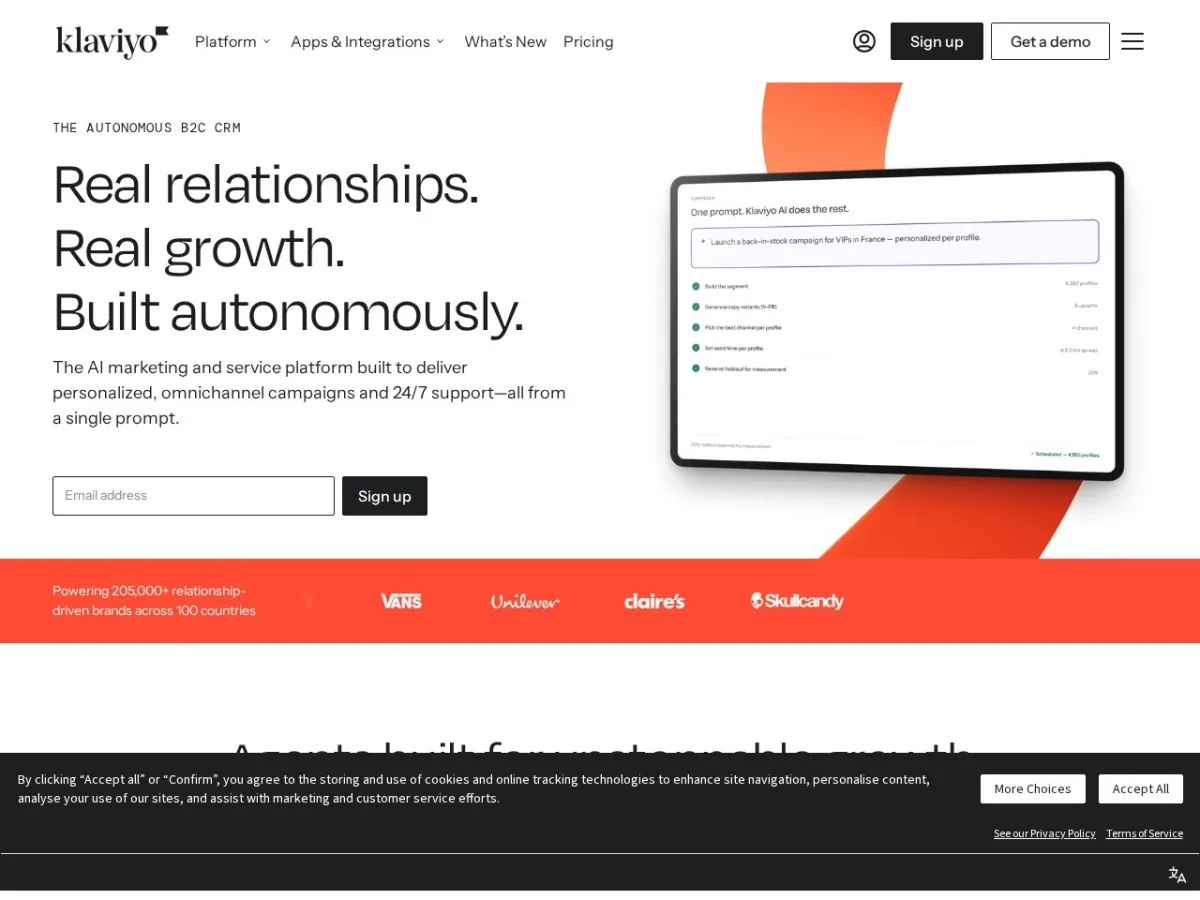
Klaviyo is the better choice for ecommerce brands that want marketing automation tied closely to customer behavior, products, purchase history, and revenue. It is especially strong for abandoned cart, post-purchase, winback, VIP, and SMS workflows.
| Best for | Ecommerce brands, Shopify stores, DTC teams, lifecycle marketers, email and SMS revenue workflows. |
|---|---|
| Key AI features | Klaviyo AI, Composer credits, segmentation, product and customer data workflows, email/SMS automation, analytics, and reporting. |
| Pricing checked | Free plan includes up to 250 active profiles, 500 emails/month, and $5 of mobile messages/month. Paid pricing is based on profiles, sending needs, and channel choices. |
| First workflow to run | Improve abandoned cart and post-purchase flows, then measure recovered revenue and repeat purchase rate. |
Pros
- Built around ecommerce data and revenue attribution.
- Strong segmentation and automation flows.
- Useful free plan for testing small stores.
- Good fit for email, SMS, and customer lifecycle marketing.
Cons
- Costs scale with active profiles and add-ons.
- Not ideal for non-ecommerce B2B teams.
- List hygiene becomes important as the database grows.
ReviewAIToolz verdict: Choose Klaviyo if ecommerce revenue from email and SMS is a serious channel.
10. Buffer – best affordable AI social media management tool
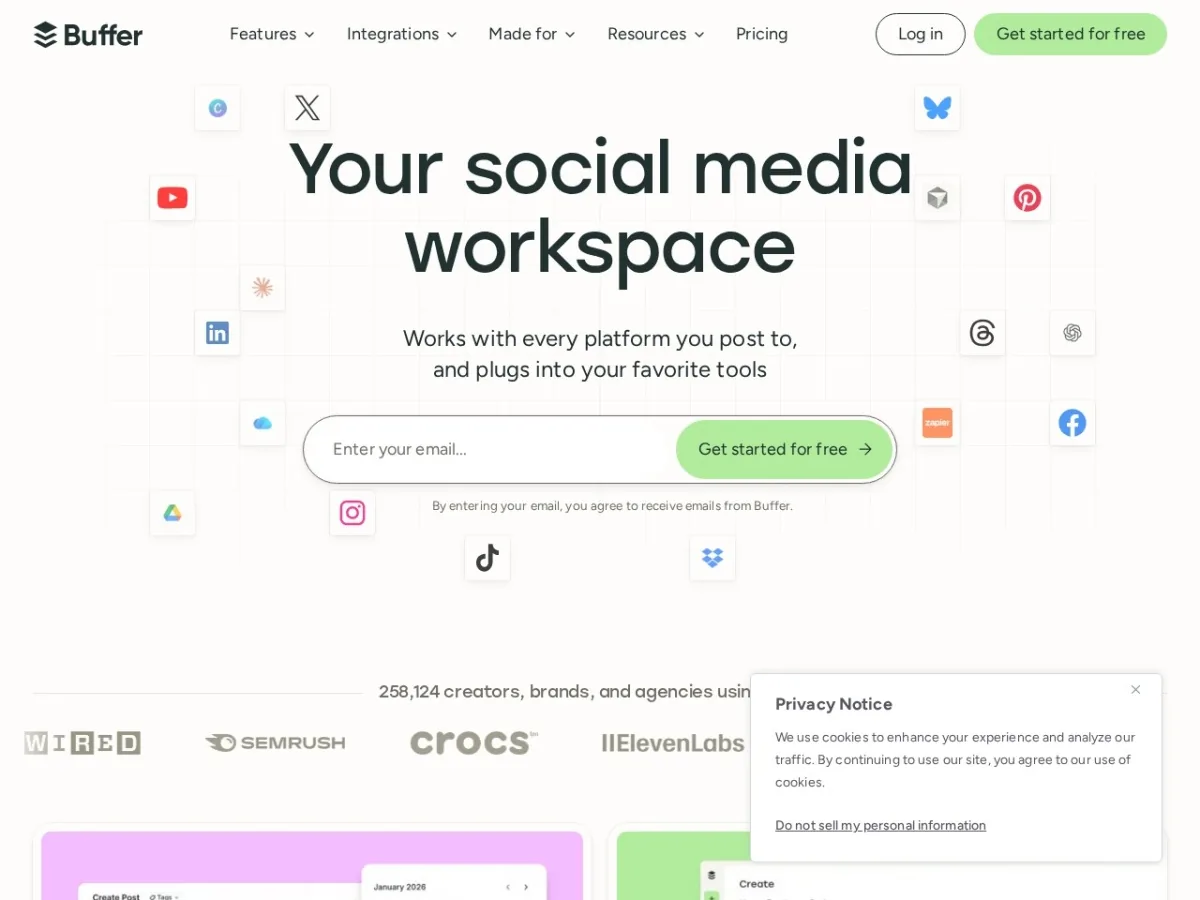
Buffer is the cleanest pick for small teams that need consistent social publishing without an enterprise social suite. Its AI Assistant helps with post ideas and channel-specific copy, while the core value is still scheduling, planning, and analytics.
| Best for | Founders, creators, small businesses, nonprofits, and small marketing teams managing a few social channels. |
|---|---|
| Key AI features | AI Assistant, post ideas, social copy help, scheduling, analytics, channel planning, community inbox, and hashtag manager. |
| Pricing checked | Essentials was listed at $5/month per channel billed yearly. Team was listed at $49/month per channel billed yearly. |
| First workflow to run | Turn one article into a week of LinkedIn, X, Facebook, and Instagram posts with channel-specific hooks. |
Pros
- Simple, affordable, and easy to adopt.
- Good for teams that need publishing consistency.
- Per-channel pricing is friendly for small stacks.
- AI helps speed up post variations and ideas.
Cons
- Can get expensive for agencies with many channels.
- Not as deep as enterprise listening and analytics suites.
- Still needs a content strategy; it will not create positioning for you.
ReviewAIToolz verdict: Choose Buffer if social media consistency matters and you want a low-friction tool.
11. Zapier – best for no-code marketing automation
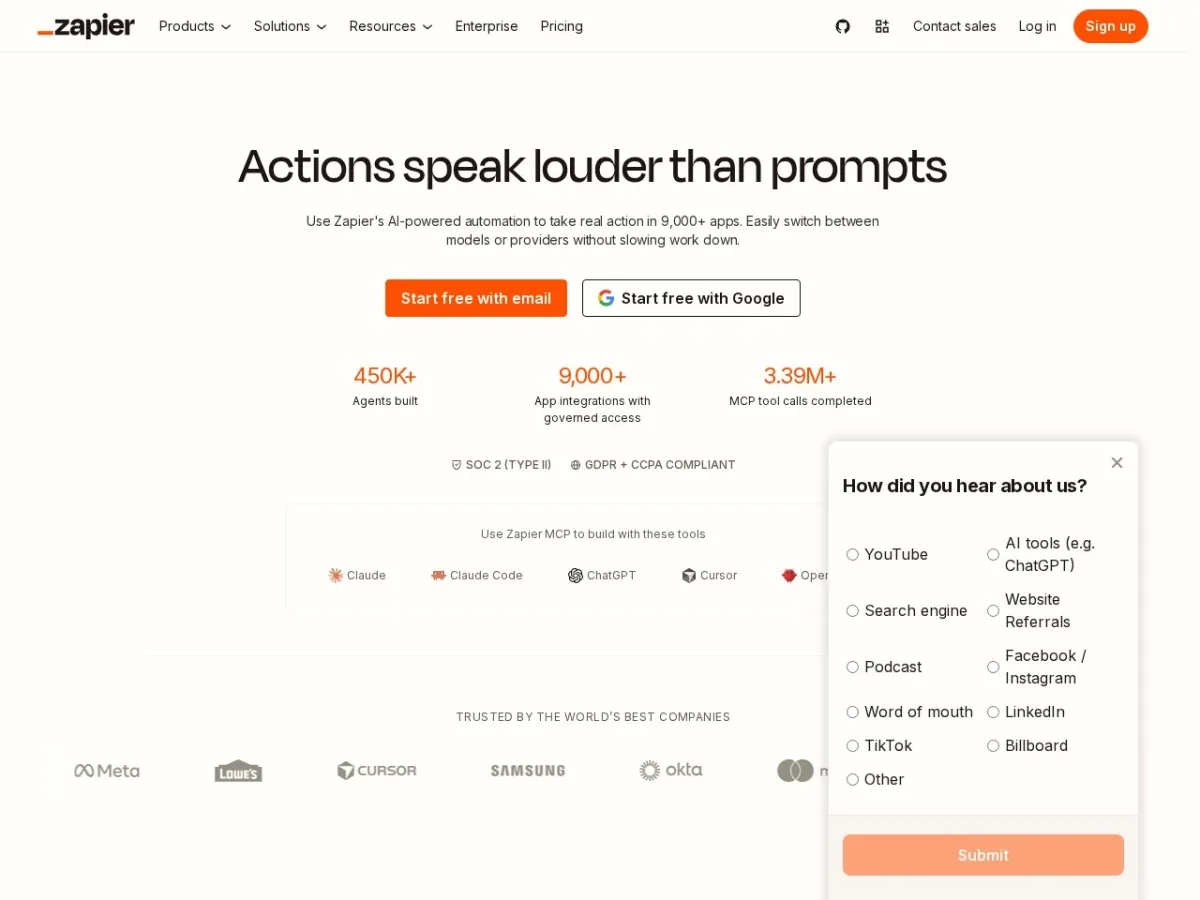
Zapier is not a marketing tool in the narrow sense, but it is one of the most useful AI tools for marketing operations. It connects lead forms, CRMs, email platforms, spreadsheets, ad tools, enrichment tools, and reporting workflows without custom development.
| Best for | Marketing operations, lead routing, enrichment, reporting, content operations, campaign handoffs, and no-code workflows. |
|---|---|
| Key AI features | Zapier Copilot, AI fields, AI-powered workflows, forms, tables, premium app connections, webhooks, and automation across thousands of apps. |
| Pricing checked | Free plan includes 100 tasks/month. Professional starts at $19.99/month annually. Team starts at $69/month annually. |
| First workflow to run | Send new demo requests from a form to your CRM, Slack, email platform, Google Sheets, and a follow-up sequence automatically. |
Pros
- Huge integration ecosystem.
- Very useful for connecting the rest of the AI marketing stack.
- Can save hours of repetitive marketing operations work.
- Good entry point for non-technical teams.
Cons
- Task volume can become expensive at scale.
- Complex workflows need monitoring and error handling.
- Not every integration supports every action you may want.
ReviewAIToolz verdict: Choose Zapier when your marketing tools do not talk to each other cleanly.
12. Descript – best for repurposing video, podcasts, demos, and webinars
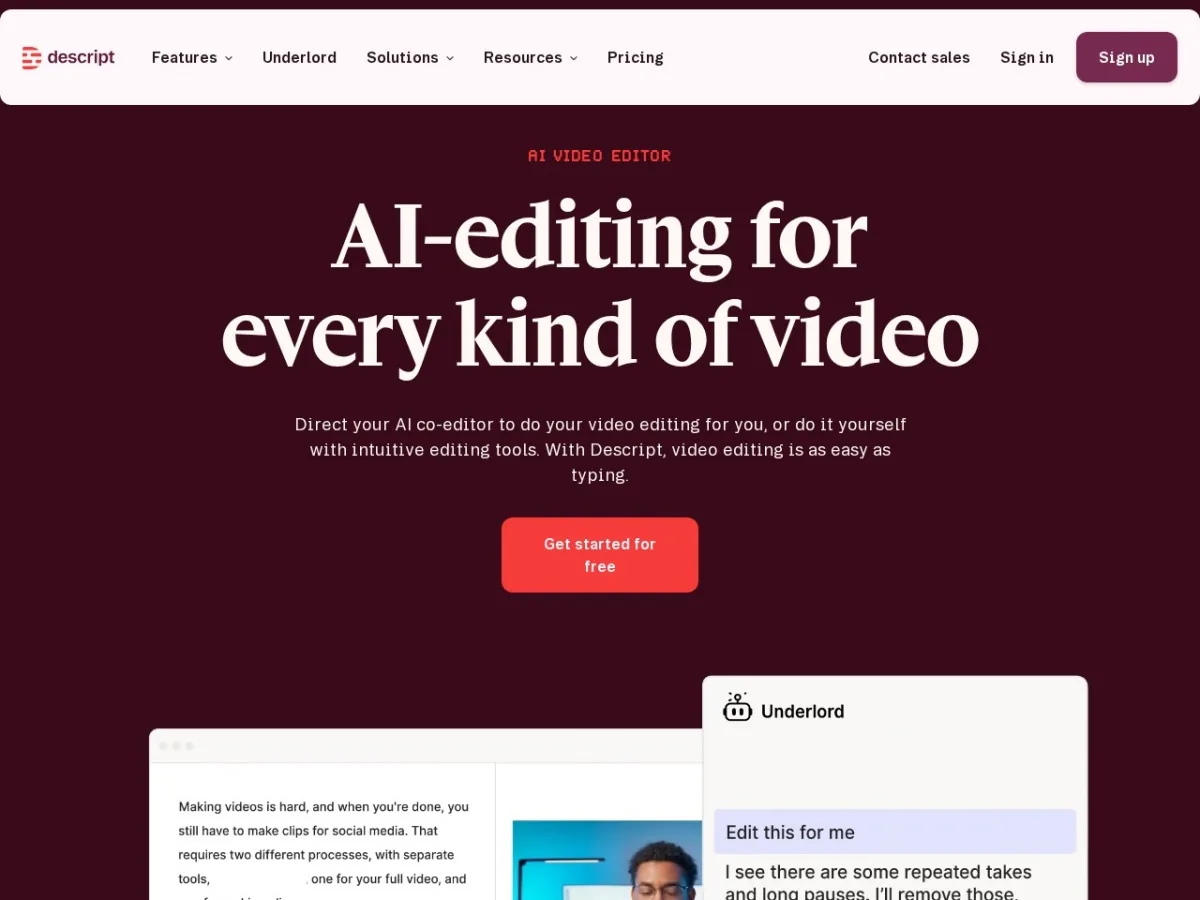
Descript is a smart marketing tool when your team records webinars, podcasts, product demos, customer interviews, or founder videos. It turns long recordings into edited clips, captions, summaries, and social-ready assets faster than traditional editing workflows.
| Best for | Video marketing, podcasting, webinar repurposing, product demos, YouTube clips, social clips, and content teams. |
|---|---|
| Key AI features | Text-based video editing, Underlord AI co-editor, Studio Sound, remove filler words, create clips, captions, translation, AI avatars, and generate video on higher plans. |
| Pricing checked | Free plan is available. Hobbyist was listed at $16/person/month annually, Creator at $24/person/month annually, and Business at $50/person/month annually. |
| First workflow to run | Turn one webinar into a transcript, five short clips, a YouTube description, a blog outline, and social post captions. |
Pros
- Text-based editing is easier for marketers than timeline-only editing.
- Strong for content repurposing from long-form assets.
- AI tools reduce repetitive editing work.
- Good way to increase output from webinars and podcasts.
Cons
- Media hours and AI credits can limit heavy use.
- Final polish still needs human review.
- Not a full campaign management or analytics platform.
ReviewAIToolz verdict: Choose Descript if your team already records content and wants more marketing assets from each recording.
Where AI marketing tools waste money
AI marketing tools waste money when they are bought as isolated shortcuts instead of connected workflows. A better rule is simple: buy a tool only when you can name the bottleneck, the owner, the input, the output, and the metric.
- Too many writing tools: one brand-safe writing platform is usually enough.
- No source of truth: AI tools perform worse when customer, product, and brand information is scattered.
- No measurement: if a tool creates assets but no one tracks conversion, traffic, pipeline, or retention, ROI stays fuzzy.
- Credit surprises: AI credits, tasks, profiles, prompts, and media hours can change the real monthly cost.
- Generic outputs: AI needs examples, customer language, product details, and human editing to become useful.
Which AI marketing tool should you choose first?
If your website does not yet get meaningful organic traffic, start with Semrush or Surfer only after your analytics, Search Console, and core pages are clean. If your revenue comes from ecommerce email, start with Klaviyo. If your bottleneck is B2B nurture and automation, start with ActiveCampaign or HubSpot. If your team already publishes a lot but struggles with brand consistency, start with Jasper. If your tools are disconnected, start with Zapier.
For most small SaaS teams, the best starting stack is not 12 tools. It is one CRM/email tool, one SEO/content tool, one design tool, and one automation layer. Add ad creative, video, and advanced AI visibility only when the channel is active enough to justify the cost.
Related ReviewAIToolz pages: browse the AI tools directory, explore AI marketing guides, compare AI SEO tools, or submit an AI tool for review.
How to keep AI marketing content SEO, GEO, and AEO friendly
Google’s guidance for generative AI features still points back to strong SEO fundamentals: create unique, valuable, people-first content, keep a clear technical structure, and provide information that is useful beyond common knowledge. For AI answers, that means your pages should be specific, easy to quote, and supported by clear sources.
- Use comparison tables when users are making a buying decision.
- Place pricing notes near the relevant tool, not in a disconnected section.
- Add pros and cons so the review feels balanced.
- Link to official pricing and product pages when features or costs matter.
- Use FAQPage and ItemList schema only for content visible on the page.
- Update pages when pricing, features, or AI search capabilities change.
FAQ
What is the best AI marketing tool in 2026?
Jasper is the best AI marketing tool for brand-safe campaign content, HubSpot is best for CRM-driven marketing, Semrush is best for SEO and AI visibility, and Canva is the easiest visual content tool for most teams. The best choice depends on the workflow you need to improve first.
What is the best AI marketing stack for a small business?
A practical small business stack is Canva for visuals, Buffer for social scheduling, Zapier for automation, and one growth tool such as Surfer, Semrush, ActiveCampaign, or Klaviyo depending on whether your main channel is SEO, email, or ecommerce.
Are AI marketing tools worth paying for?
They are worth paying for when they remove a real bottleneck and connect to a measurable outcome such as faster campaign production, more organic traffic, better email revenue, lower creative production cost, or cleaner lead routing. They are not worth it when they duplicate tools you already own.
Which AI marketing tool is best for SEO?
Semrush is stronger for SEO research, audits, competitor analysis, and AI visibility tracking. Surfer is stronger for optimizing individual pages, content briefs, and AI-search-ready article updates. Many SEO-led teams use both for different jobs.
Which AI marketing tool is best for ecommerce?
Klaviyo is the best fit for ecommerce email and SMS because it connects customer, product, and purchase data to segmentation and flows. Canva and AdCreative.ai can support ecommerce creative production, while Buffer can help distribute content across social channels.
Should I buy Jasper, Copy.ai, or ChatGPT for marketing?
Use Jasper when brand consistency and campaign workflows matter. Use Copy.ai when you want GTM workflows and automation between marketing and sales tasks. Use ChatGPT or Claude for flexible brainstorming, but expect to build your own prompts, guardrails, and review process.
How often should this AI marketing tools list be updated?
At least quarterly. AI pricing, credits, agents, and integrations change quickly, and a tool that is good value today can become expensive or stronger after a pricing or product update.
Official sources checked
- Jasper pricing
- HubSpot Marketing Hub pricing and HubSpot Breeze AI
- Semrush SEO and AI Search pricing
- Surfer pricing
- Copy.ai pricing
- Canva pricing
- AdCreative.ai pricing
- ActiveCampaign pricing
- Klaviyo pricing
- Buffer pricing
- Zapier pricing
- Descript pricing
- Google guide to generative AI features in Search
- Google structured data documentation
Found something wrong or outdated? Report an issue. Want us to cover something? Suggest a topic.